Block Tower Controls
Master movement and camera so beams, wraparounds, and jump chains stop feeling random.
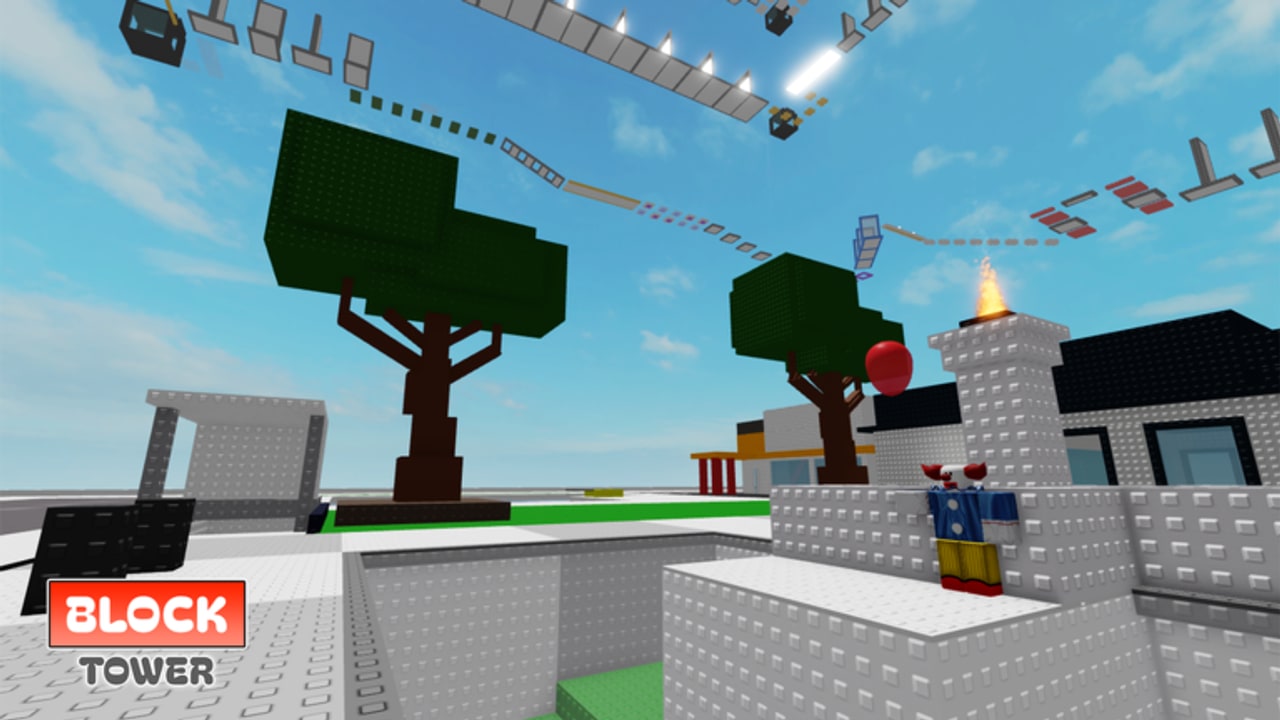
Great Block Tower clears start with boring fundamentals: move, jump, and see the next landing. This controls guide explains Roblox inputs for PC, mobile, and console in a tower-obby context, then adds camera and Shift Lock advice tailored to the Brookhaven-style house climb by fahrezaoz.
Use this beside Getting Started on day one and beside Climbing Tips when a section keeps killing you. Skill priority rankings live on the Difficulty Tier List.
Universal Roblox movement (all devices)
| Action | What it does in Block Tower |
|---|---|
| Move | Position your avatar on platforms and beams |
| Jump | Cross gaps, mount pads, leave wraparound corners |
| Camera look | Reveals landings, kill bricks, and edge alignment |
| Zoom | Changes depth perception on thin paths |
There is no special “Block Tower only” keybind published by Roblox — you use the standard experience controls. What changes is how strictly you manage camera and jump timing compared to open-world games.
PC controls
- Move: W A S D
- Jump: Space
- Camera: Mouse movement
- Zoom: Mouse wheel
- Shift Lock: typically Left Shift (or the lock icon / setting) to fix facing direction
PC habits that raise clear rate
- Approach edges slowly. Walk until your toes near the lip, then jump. Early Space presses are the number-one PC fail.
- Use Shift Lock on beams. Locking keeps strafe inputs predictable on thin walks.
- Unlock on open roofs when you need freer mouse look to scout the next staircase.
- Keep the mouse calm mid-air. Whipping the camera while jumping destroys depth perception.
- Bind comfort, not flash. If you remapped keys globally in Roblox settings, confirm Space still jumps before a serious attempt.
Shift Lock advice (PC)
Shift Lock is optional but powerful. Enable it when:
- Crossing thin beams (S-tier sections on the Tier List)
- Lining up wraparounds along house walls
- Making repeated small hops that need consistent forward facing
Disable or ignore it when:
- You are scouting a large rooftop and need fast mouse orbit
- Lock facing fights a weird camera corner and causes disorientation
Practice toggling without looking at the keyboard so mid-tower toggles stay smooth.
Mobile controls
- Move: Virtual thumbstick (usually left)
- Jump: On-screen jump button
- Camera: Drag on the right side of the screen
- Zoom: Pinch gestures (device-dependent)
Mobile-specific tips
- Camera first, jump second. Drag the view until the landing is visible, then tap jump. Thumb panic jumps cause most mobile voids.
- Raise jump button comfort in Roblox settings if your thumb overshoots.
- Play in landscape for wider peripheral vision on beams.
- Clean the screen. Greasy glass plus tiny platforms is a bad mix.
- Avoid pocket Wi-Fi drops mid-gap — stable network helps more on mobile than people admit.
Mobile can clear Block Tower. It simply punishes messy camera work harder than mouse aim.
Console controls
- Move: Left stick
- Camera: Right stick
- Jump: Face button (A on Xbox, × on PlayStation — follow your on-screen prompts)
- Zoom / lock options: Depend on Roblox console UI version
Console tips
- Lower camera stick sensitivity if beams feel slippery.
- Prefer deliberate stick centering before a precision jump — stick drift creates false strafe.
- Use a quiet server; compensating for bumps is harder without mouse micro-flicks.
- Sit close enough to read kill-brick colors clearly on your display.
Camera theory for tower obbies
Think of the camera as part of the parkour course:
- Slight downward angle on beams shows the path and your feet relationship.
- Side angle on wraparounds reveals the landing around the corner.
- Too high / sky watching hides gaps until you are already falling.
- Too close exaggerates motion blur and panic.
- Too far makes thin platforms hard to judge.
Before any scary jump, take half a second to frame the landing. That half second saves minutes of retries. More mindset coaching sits in Climbing Tips.
Jump timing drills (5 minutes)
Warm up at the base or on any forgiving furniture pads:
- Ten standing jumps — feel the apex.
- Ten short gap jumps — leave at the edge, not early.
- Ten strafed landings — move left/right while aligning to a pad center.
- One beam walk without jumping — pure camera + move discipline.
- Only then attempt a hard mid-tower section.
Veterans skip drills and then wonder why the first hard beam deletes them. Five minutes is cheaper than tilt.
Multiplayer interference and controls
With up to 40 players, someone will eventually land on your head. Controls cannot delete physics bumps, but you can:
- Wait one second on a safe pad for traffic to pass
- Hop servers (Getting Started mindset)
- Avoid jumping through another avatar’s landing frames
Accessibility & comfort
- Take breaks every 20–30 minutes; precision drops when hands fatigue.
- Large UI scale on mobile helps hit jump reliably.
- Headphones can help if audio cues exist, but Block Tower is primarily visual — prioritize a clear screen.
What controls will not fix
- Fake codes promising auto-win
- Injected scripts that violate ToS
- Playing the wrong lookalike place (Official Links)
When inputs feel correct but a section still dominates you, study section type ranks on the Tier List and follow the full clear plan in How to Complete. Badge hunters should keep practicing clean jumps — Badges do not care how stylish your emote is if you never finish.
Lock the camera, own the edge, press jump once with intention. That is the entire controls gospel for Block Tower.
Frequently Asked Questions
Quick answers about climbing Block Tower.
Do I need Shift Lock to beat Block Tower?
No, but it helps on thin beams and wraparounds. Many PC players toggle it on for precision sections and off for scouting.
Can I finish on mobile?
Yes. Prioritize framing the landing with camera drag before tapping jump, and consider landscape mode.
Why do I keep falling on easy gaps?
Usually early jump timing or a camera aimed too high. Practice edge takeoffs on low platforms first.
Are there custom Block Tower keybinds?
The game uses standard Roblox controls. Adjust sensitivity and Shift Lock in Roblox settings rather than expecting a unique control scheme.
What should I read after Controls?
Climbing Tips for patience and recovery, then How to Complete for a full-climb strategy.